> ## Documentation Index
> Fetch the complete documentation index at: https://docs.messari.io/llms.txt
> Use this file to discover all available pages before exploring further.
# x402 Skill for OpenClaw
The official Messari skill for OpenClaw allows you to access Messari's data and insights directly from OpenClaw authenticated with x402 or a Messari API key. Answer crypto questions using the Messari API: 34,000+ assets, 210+ exchanges, 14 data services
covering market metrics, social sentiment, research, on-chain analytics, fundraising, governance,
and more.
## Prerequisites
For Authentication you'll need either a wallet with USDC on Base for x402 or a Messari API key.
## Installation
### 1. Install the Messari Skill
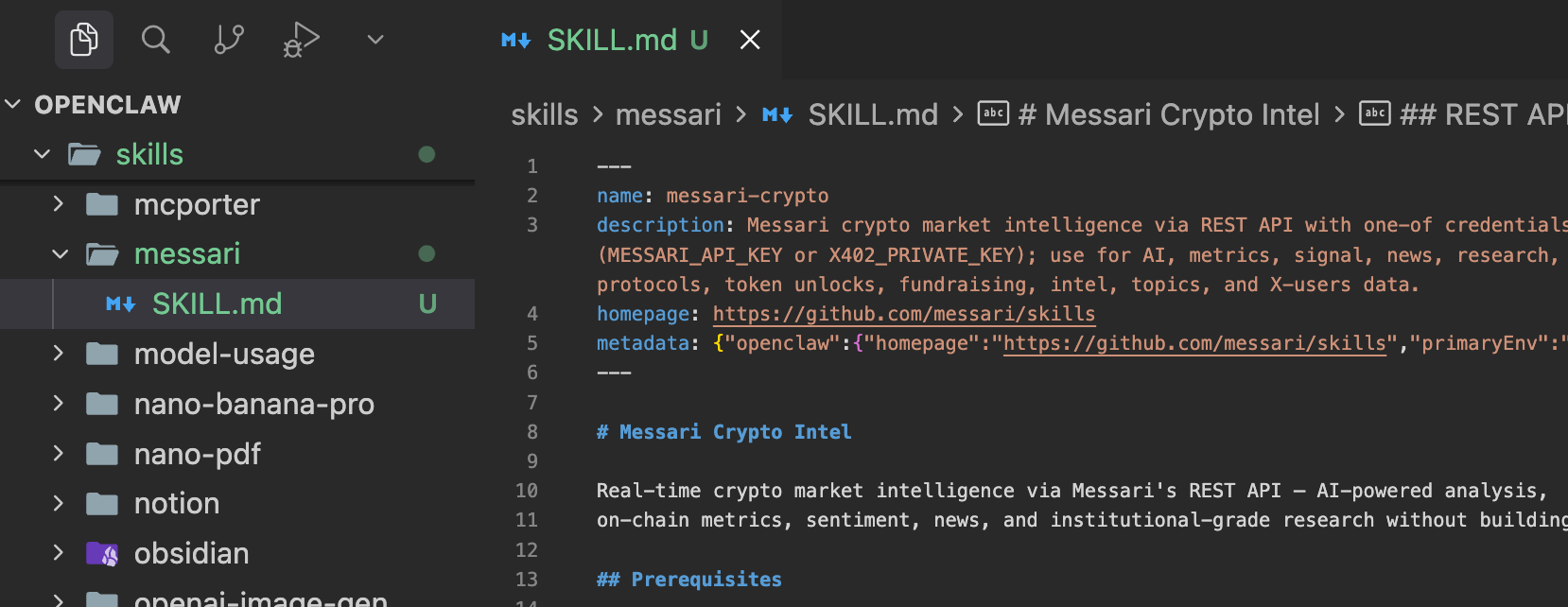
Add the Messari Skill to your OpenClaw project. In the project directory, run the following command:
```bash theme={null}
mkdir -p skills/messari && curl -o skills/messari/SKILL.md https://raw.githubusercontent.com/messari/skills/refs/heads/master/openclaw-skill/SKILL.md
```
 ### 2. Add the environment variables
Next in your openclaw\.json file, add the respective environment variables for your authentication method.
X402\_PRIVATE\_KEY: The private key of your x402 wallet.
MESSARI\_API\_KEY: The API key of your Messari account.
```bash theme={null}
nano ~/.openclaw/openclaw.json
```
```json theme={null}
{
"skills": {
"install": {
"nodeManager": "npm"
},
"entries": {
"messari": {
"enabled": true,
"env": {
"X402_PRIVATE_KEY": "" // Add this for x402 authentication, add MESSARI_API_KEY instead for API key authentication
}
}
}
}
}
```
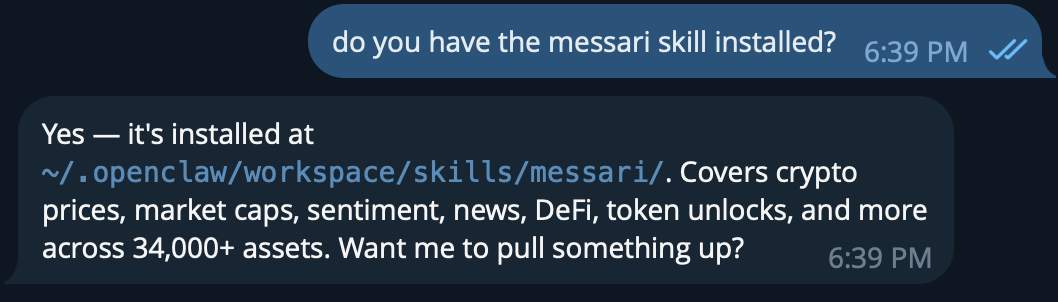
Restart OpenClaw to apply the changes. And check that the skill is installed.
### 2. Add the environment variables
Next in your openclaw\.json file, add the respective environment variables for your authentication method.
X402\_PRIVATE\_KEY: The private key of your x402 wallet.
MESSARI\_API\_KEY: The API key of your Messari account.
```bash theme={null}
nano ~/.openclaw/openclaw.json
```
```json theme={null}
{
"skills": {
"install": {
"nodeManager": "npm"
},
"entries": {
"messari": {
"enabled": true,
"env": {
"X402_PRIVATE_KEY": "" // Add this for x402 authentication, add MESSARI_API_KEY instead for API key authentication
}
}
}
}
}
```
Restart OpenClaw to apply the changes. And check that the skill is installed.
 ## Usage
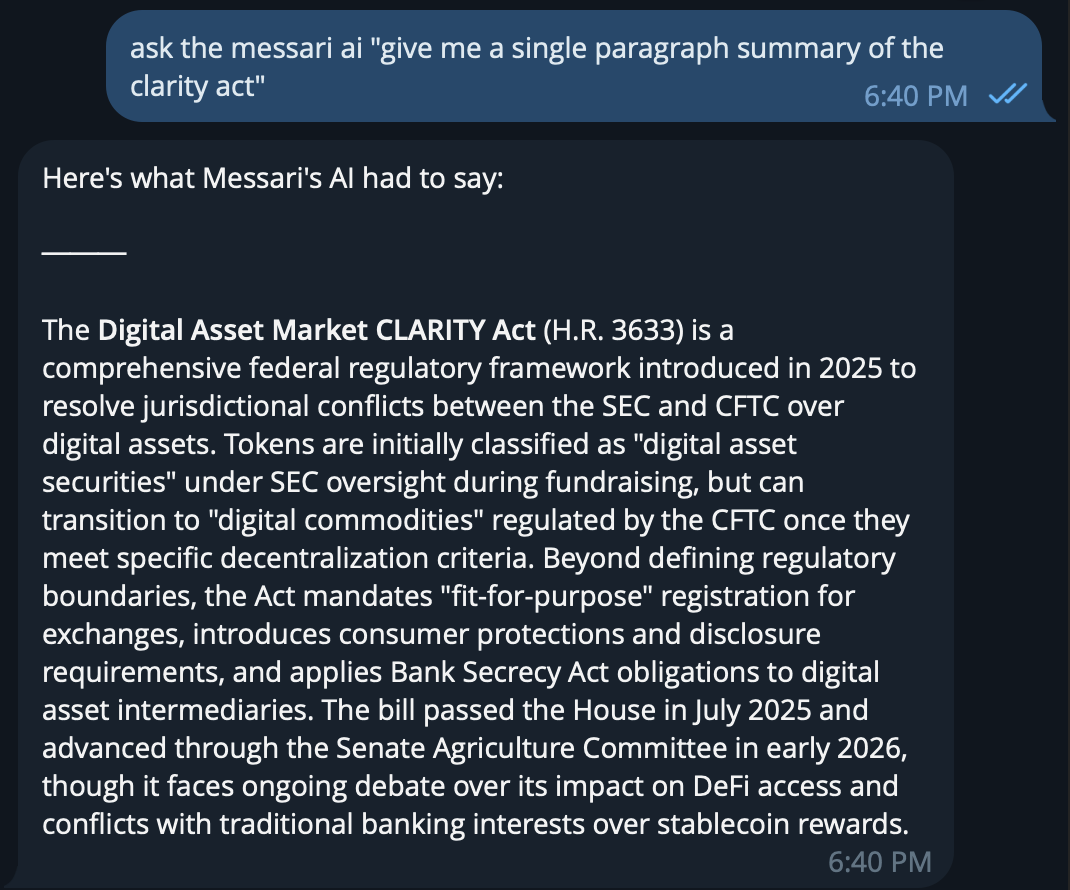
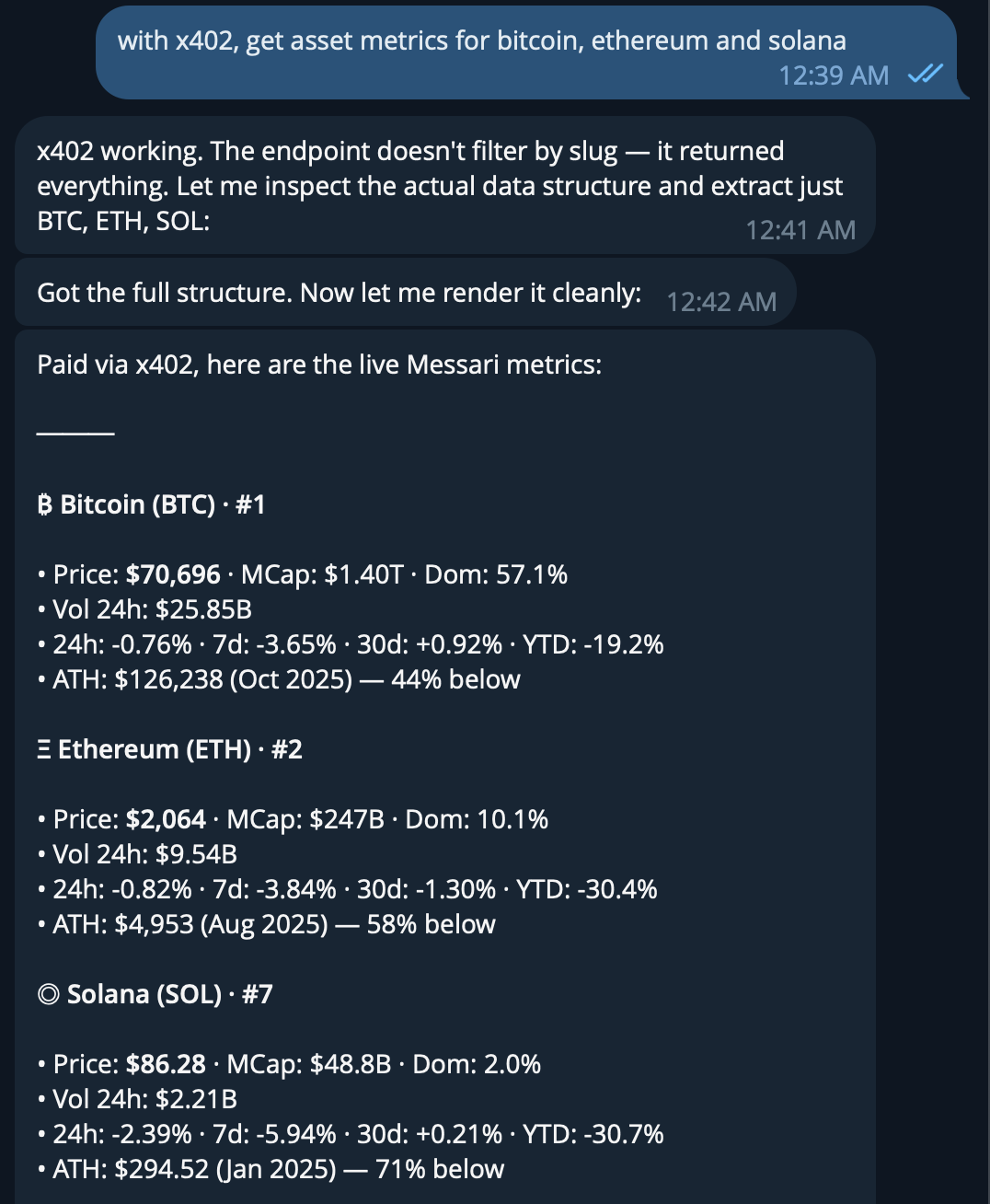
And now you're ready to ask Messari anything about crypto.
## Usage
And now you're ready to ask Messari anything about crypto.