Installation
1. Coinbase Payment MCP extension
For the best user experience, we recommend installing the Coinbase’s Payment MCP extension which provides easy to use hosted wallet with x402 support. Close Claude Desktop if it is open and run the following command in your terminal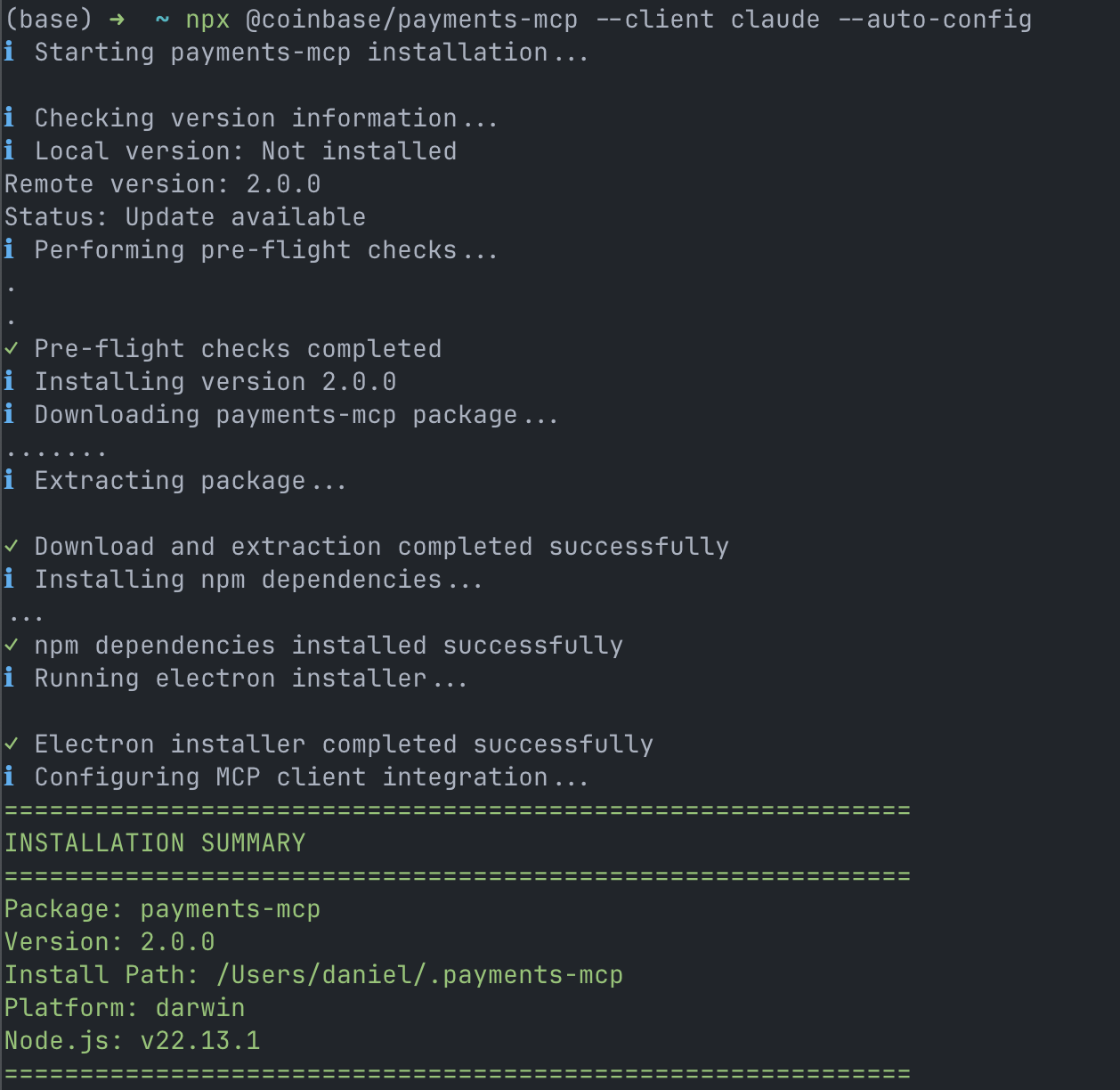
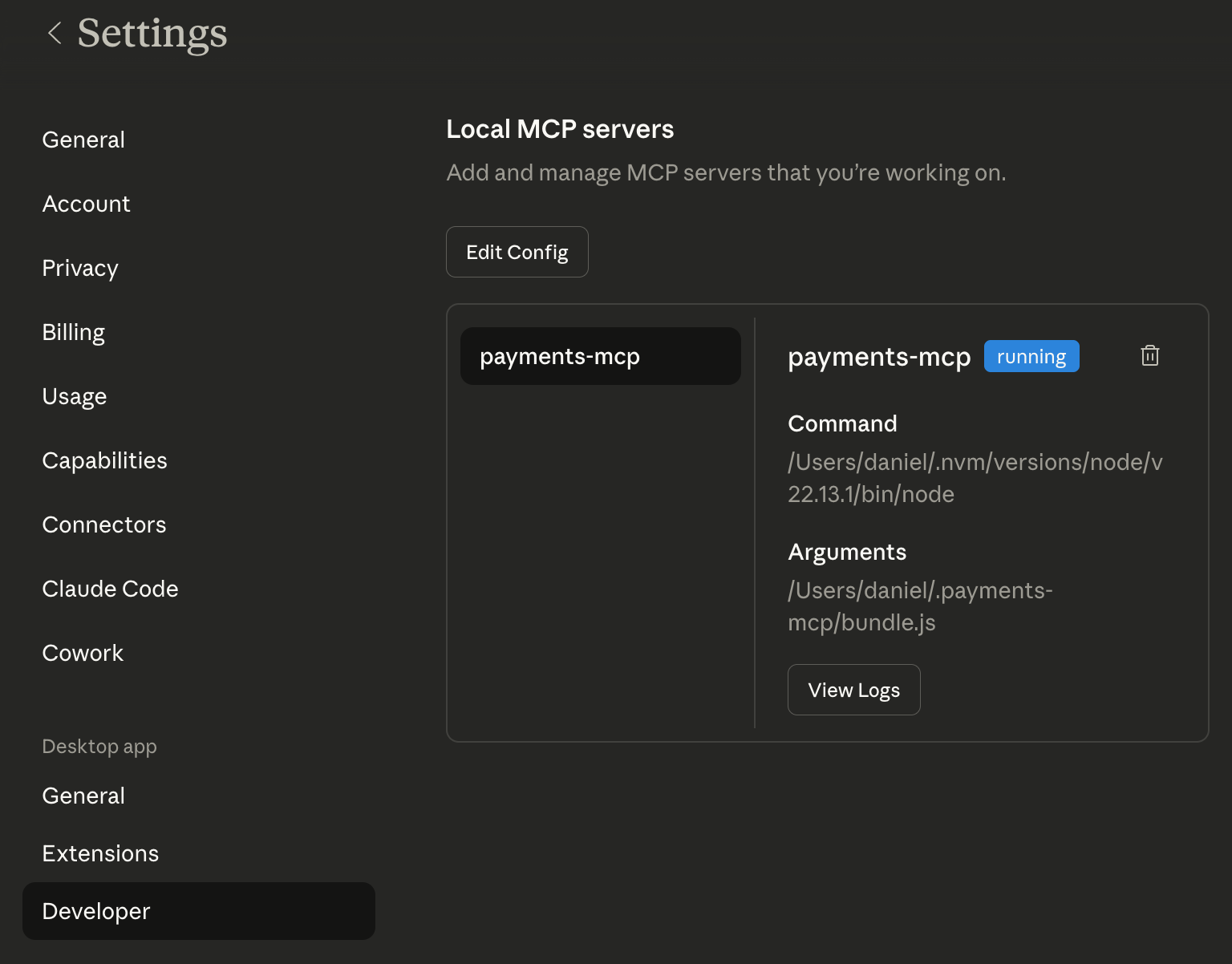
Settings -> Developer you should see the payments-mcp listed under “Local MCP Servers”
2. Authenticate with your x402 wallet
In a new chat, ask Claude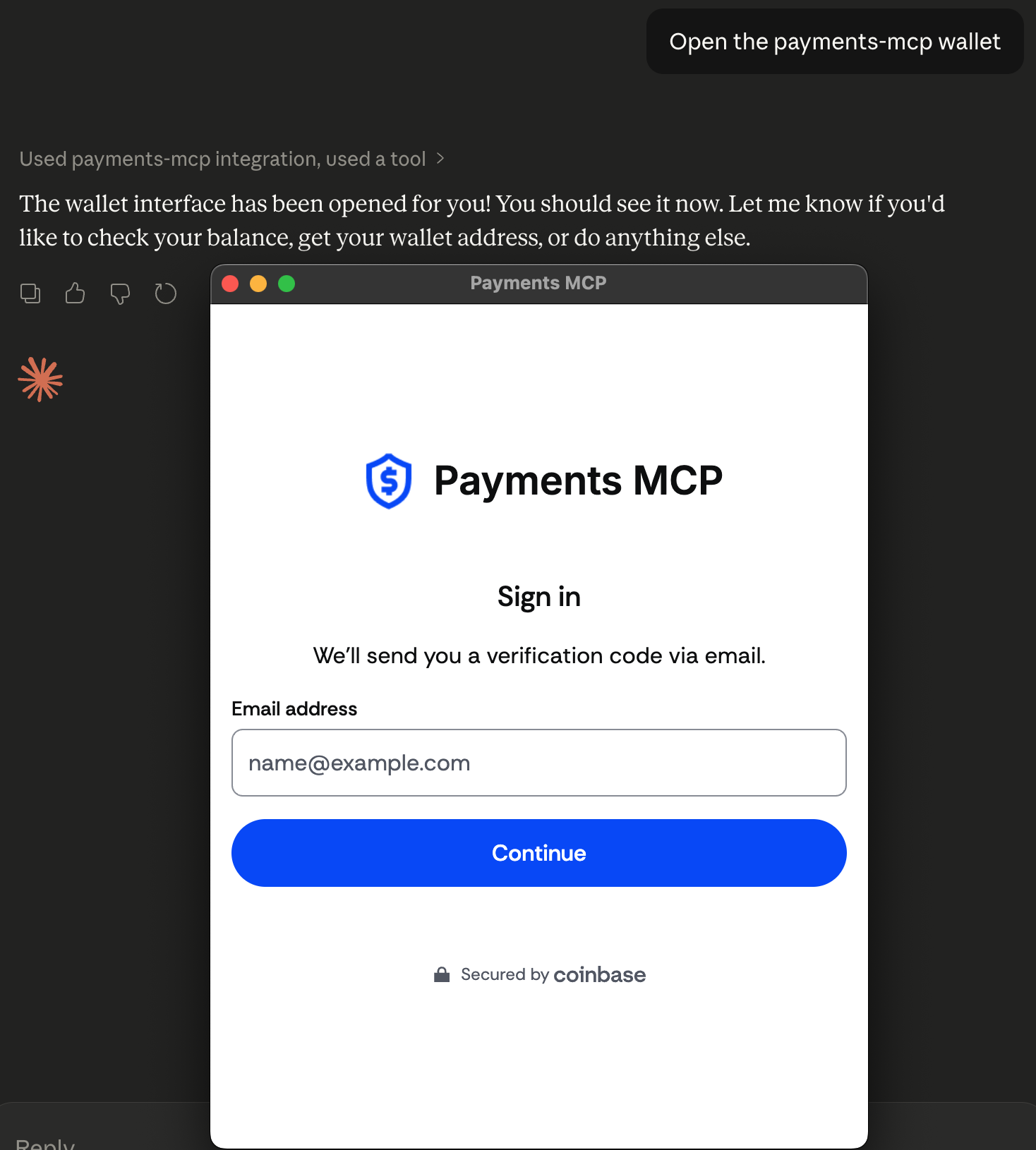
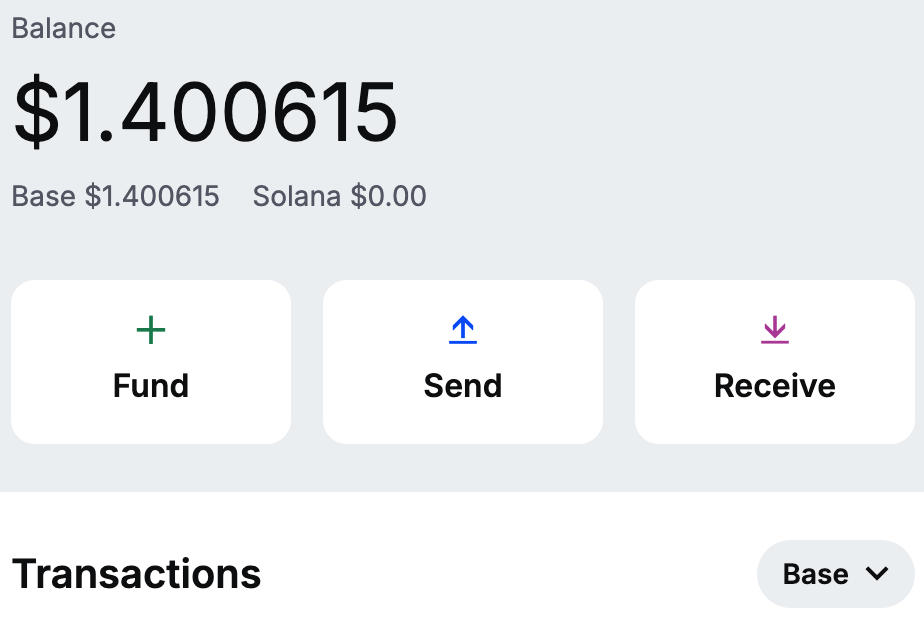
3. Get the Messari Skill
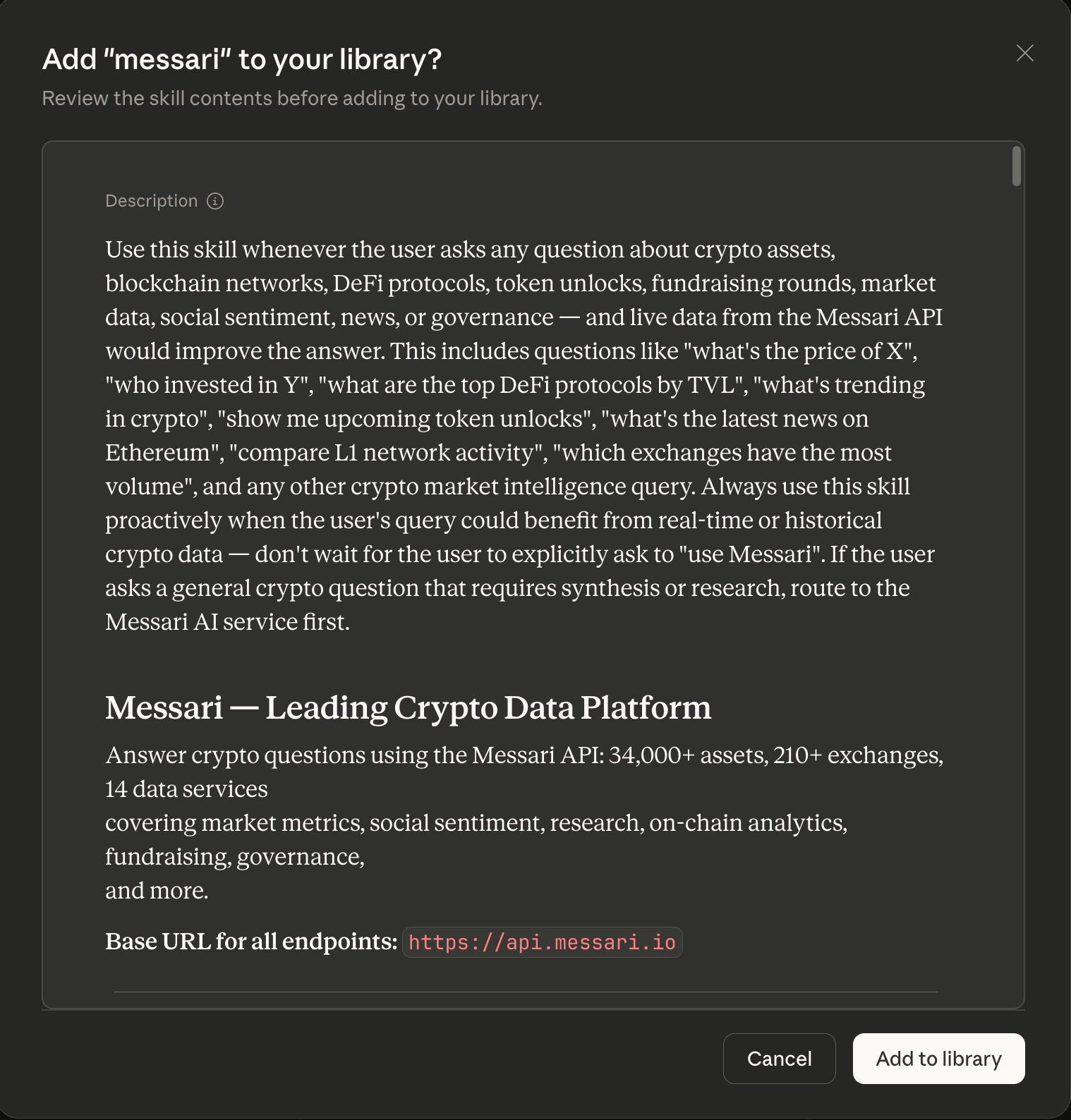
Now you’re all set wallet wise, we need to install the Messari Skill- Download this messari.skill file
- Click the file to open it with Claude Desktop
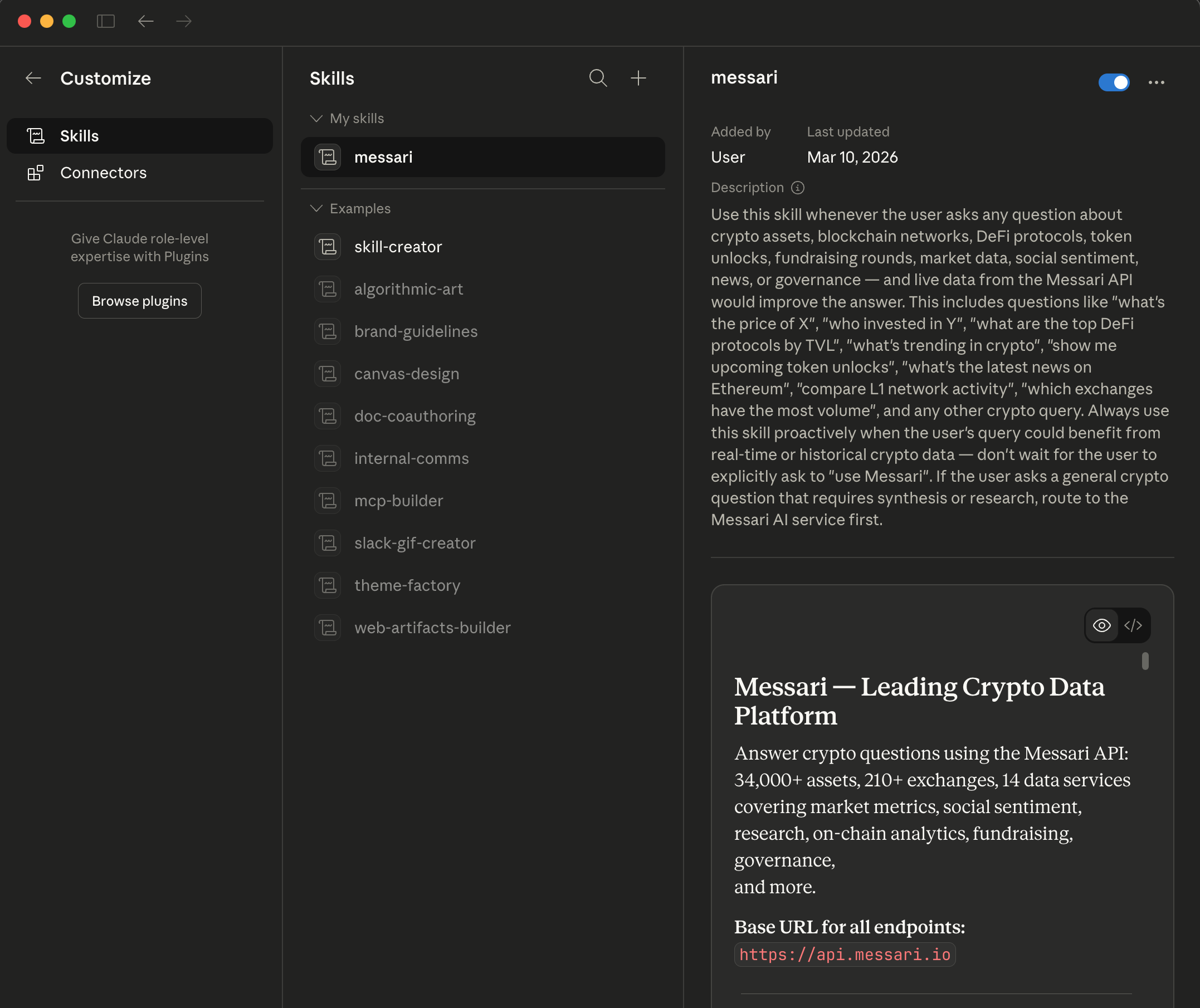
- Click “Add to Library”
Usage
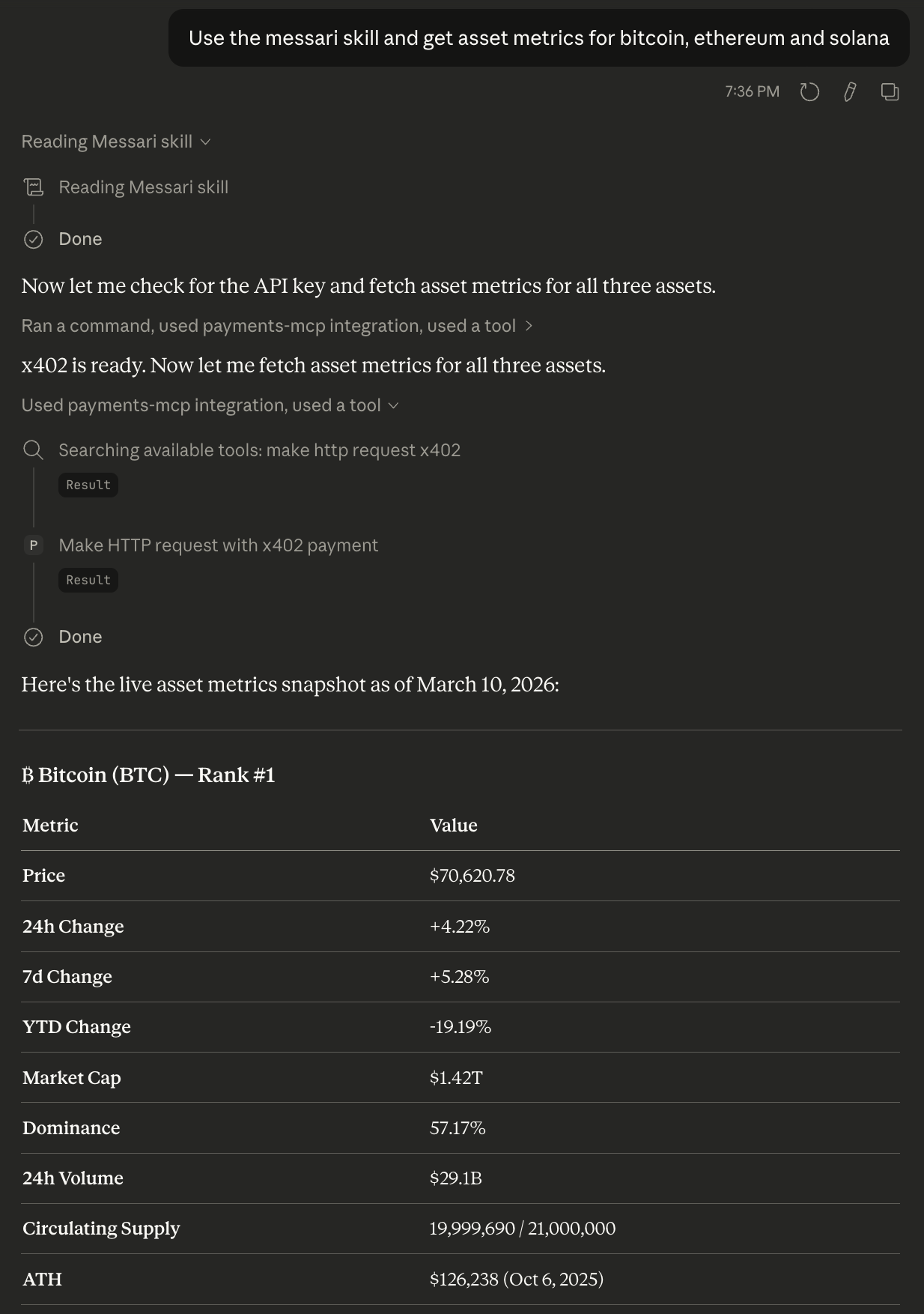
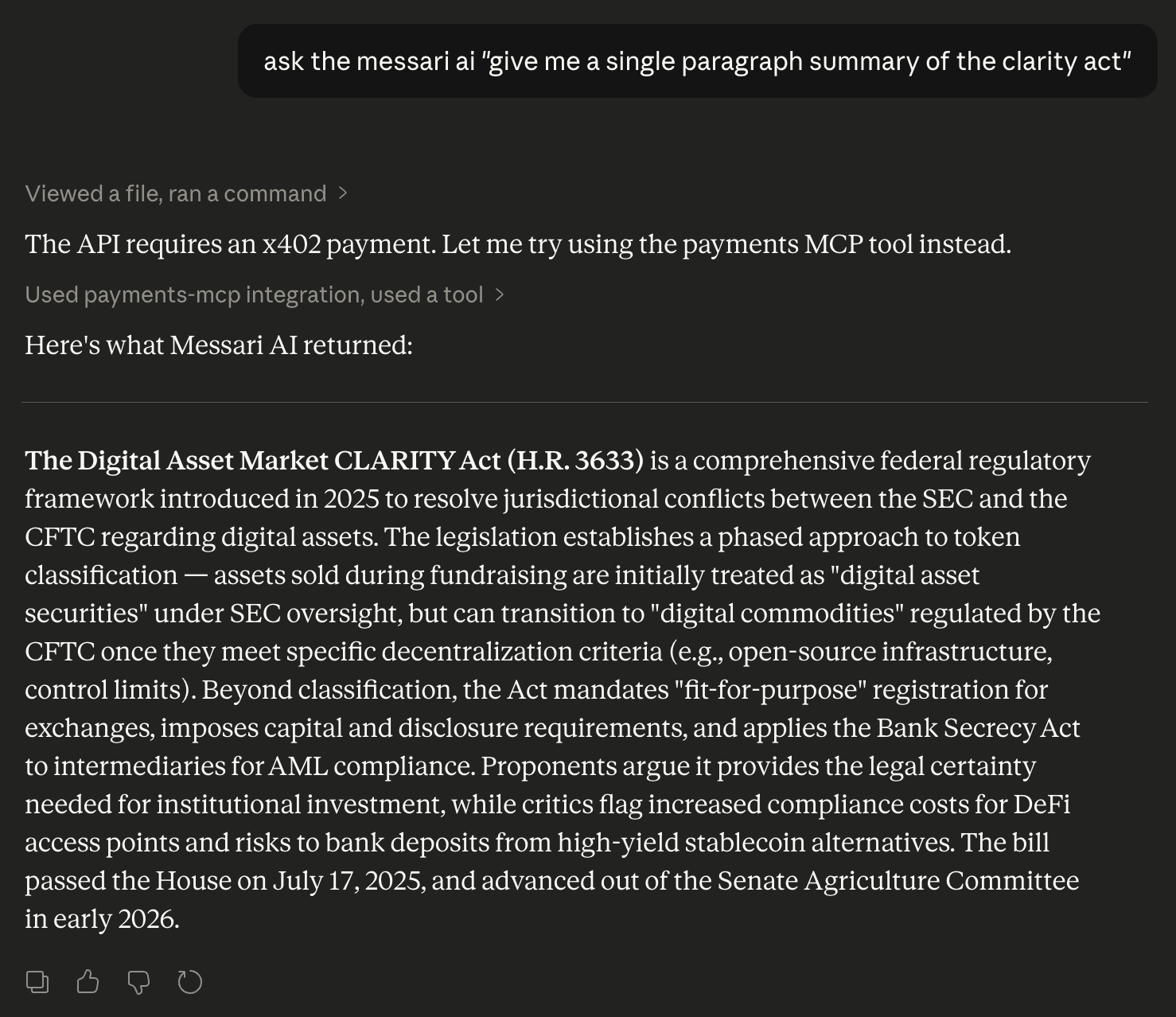
And you’re done! You can now ask Messari anything about crypto directly from Claude