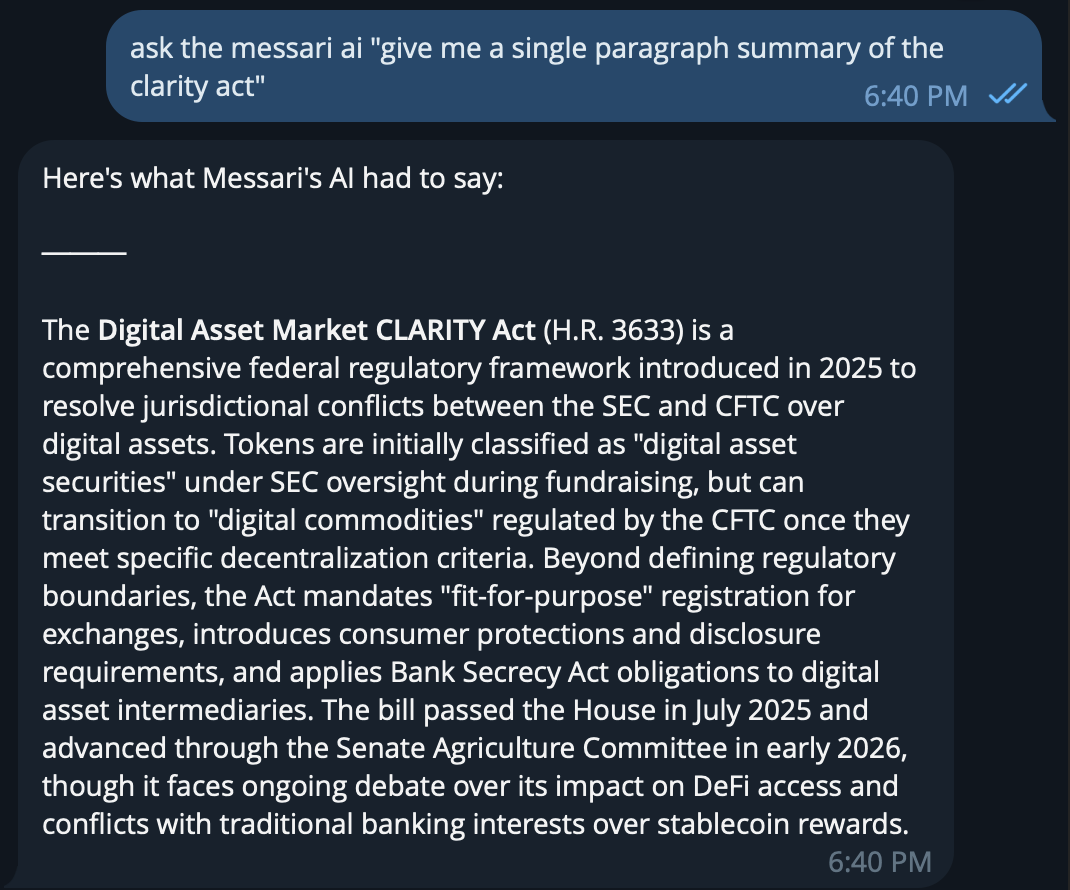
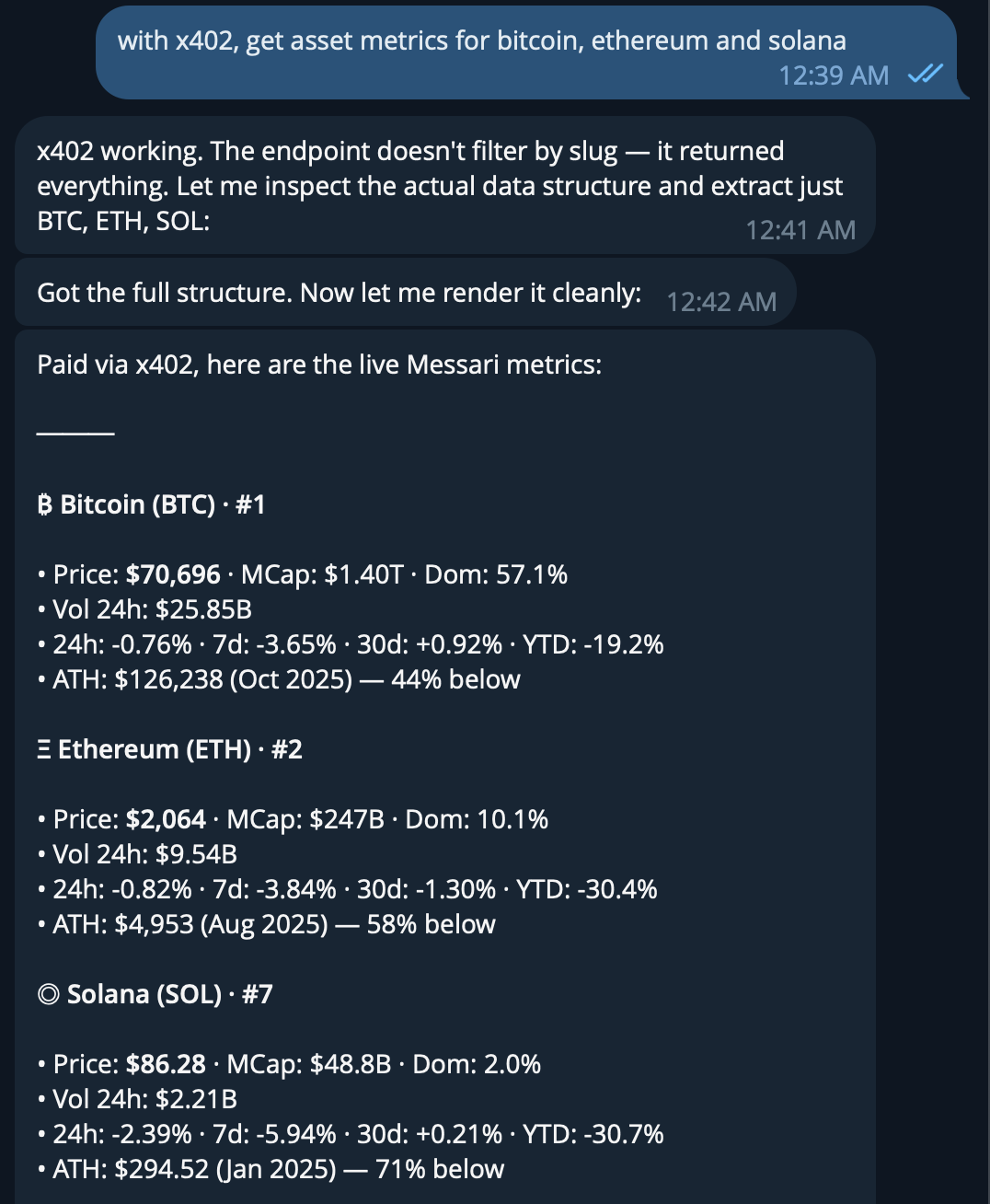
The official Messari skill for OpenClaw allows you to access Messari’s data and insights directly from OpenClaw authenticated with x402 or a Messari API key. Answer crypto questions using the Messari API: 34,000+ assets, 210+ exchanges, 14 data services covering market metrics, social sentiment, research, on-chain analytics, fundraising, governance, and more.

Prerequisites

For Authentication you’ll need either a wallet with USDC on Base for x402 or a Messari API key.

Installation

1. Install the Messari Skill

Add the Messari Skill to your OpenClaw project. In the project directory, run the following command:
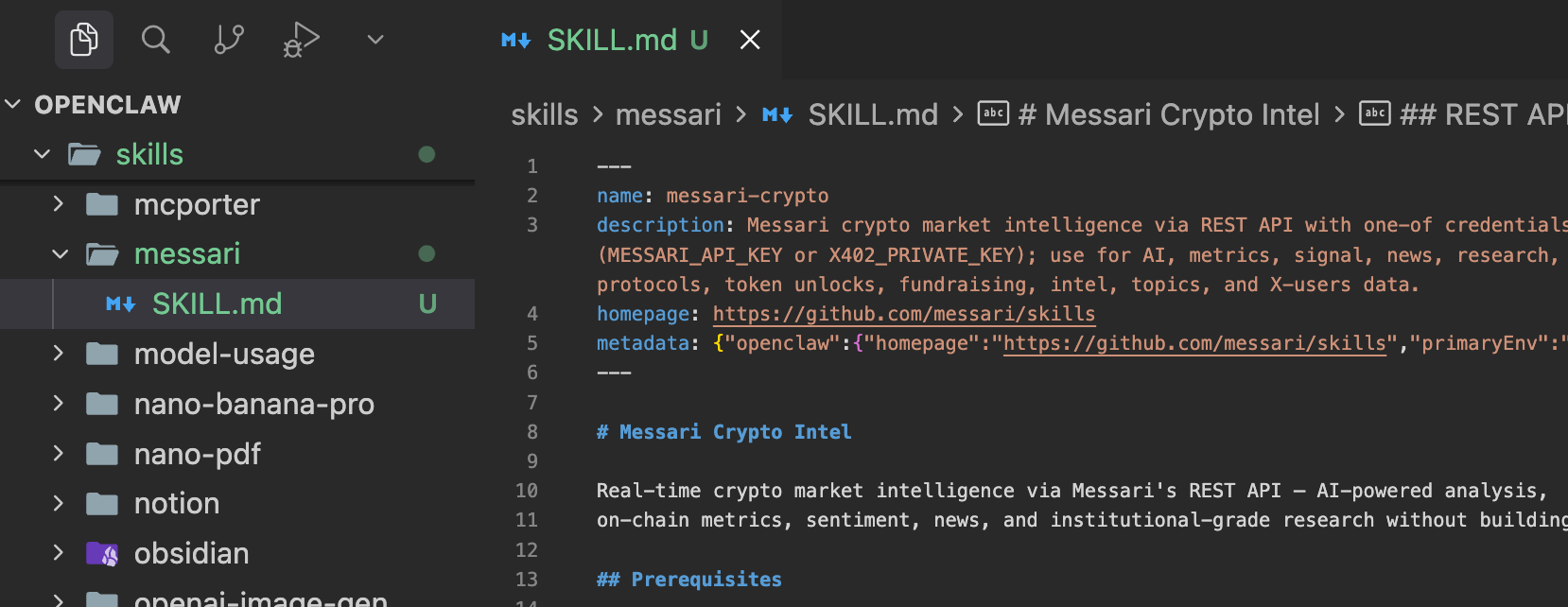
mkdir -p skills/messari && curl -o skills/messari/SKILL.md https://raw.githubusercontent.com/messari/skills/refs/heads/master/openclaw-skill/SKILL.md
Install Command

2. Add the environment variables

Next in your openclaw.json file, add the respective environment variables for your authentication method. X402_PRIVATE_KEY: The private key of your x402 wallet. MESSARI_API_KEY: The API key of your Messari account.
nano ~/.openclaw/openclaw.json
{
    "skills": {
        "install": {
        "nodeManager": "npm"
        },
        "entries": {
        "messari": {
            "enabled": true,
            "env": {
            "X402_PRIVATE_KEY": "" // Add this for x402 authentication, add MESSARI_API_KEY instead for API key authentication
            }
        }
        }
    }
}
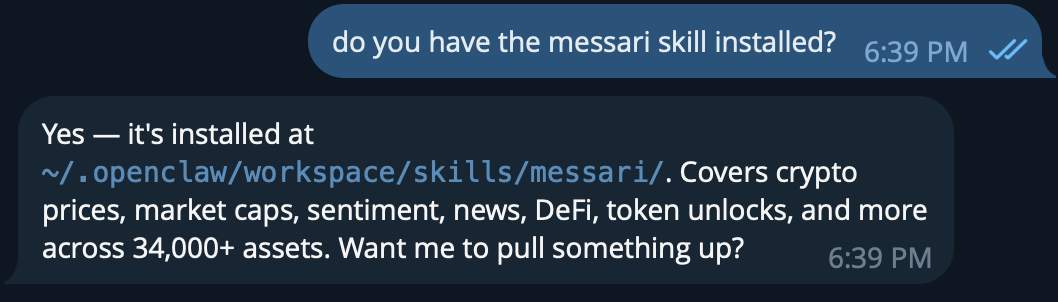
Restart OpenClaw to apply the changes. And check that the skill is installed. OpenClaw Skill Installed

Usage

And now you’re ready to ask Messari anything about crypto. Messari Skill Answer Messari Skill Answer